Wizzie Data Platform (WDP) AMI
Creating an organization
Let’s start using WDP to see your data. First we need to create a new organization using Wizz-in. Check endpoints to see how to connect to Wizz-in.
First time, you can sign in using the following credentials:
- User: admin@example.com
- Password: chosen on cloudformation stack parameters.
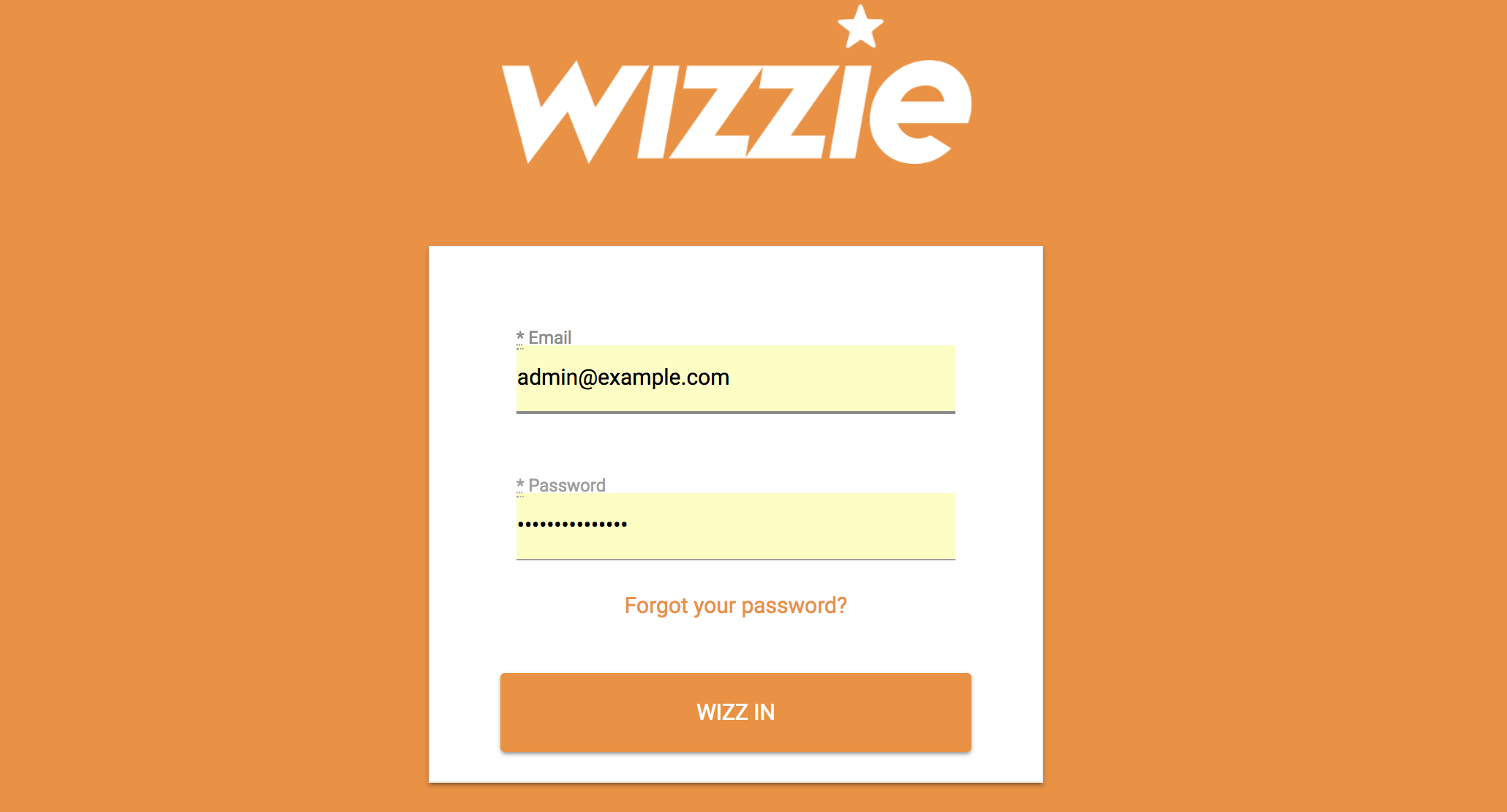
You can change this credentials later when configuring users.
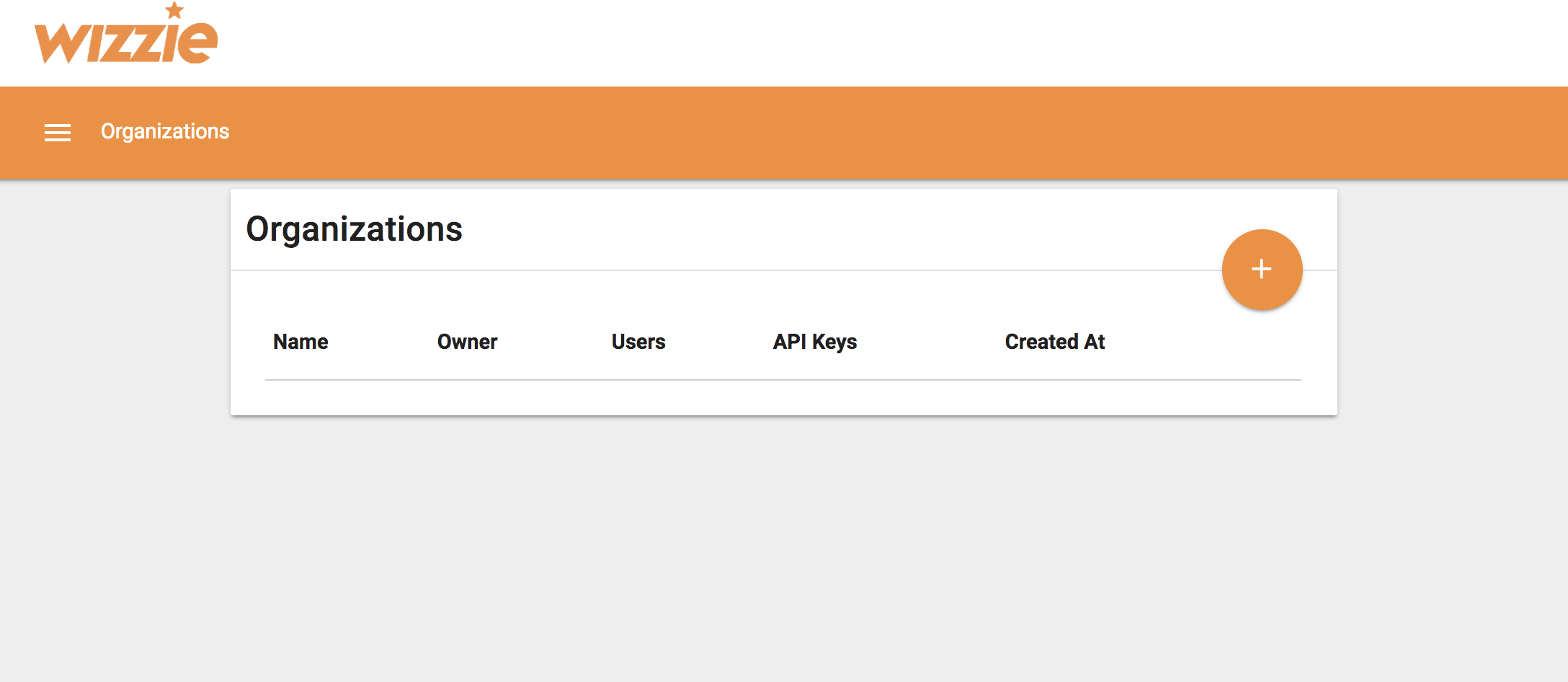
To create the organization, go to Organizaton view and click to the + button.
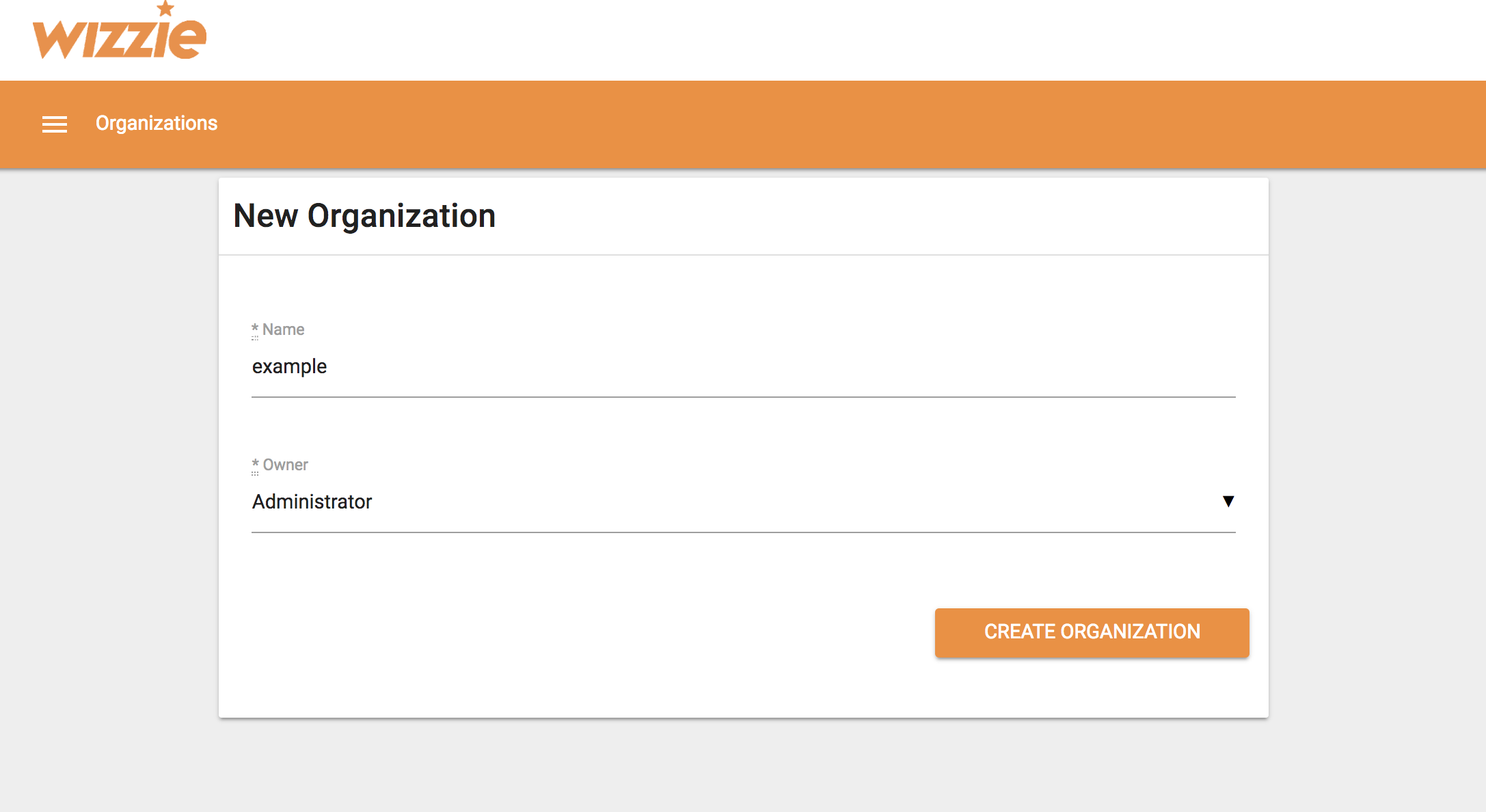
Choose an organization name and assign a Owner (For example Administrator)
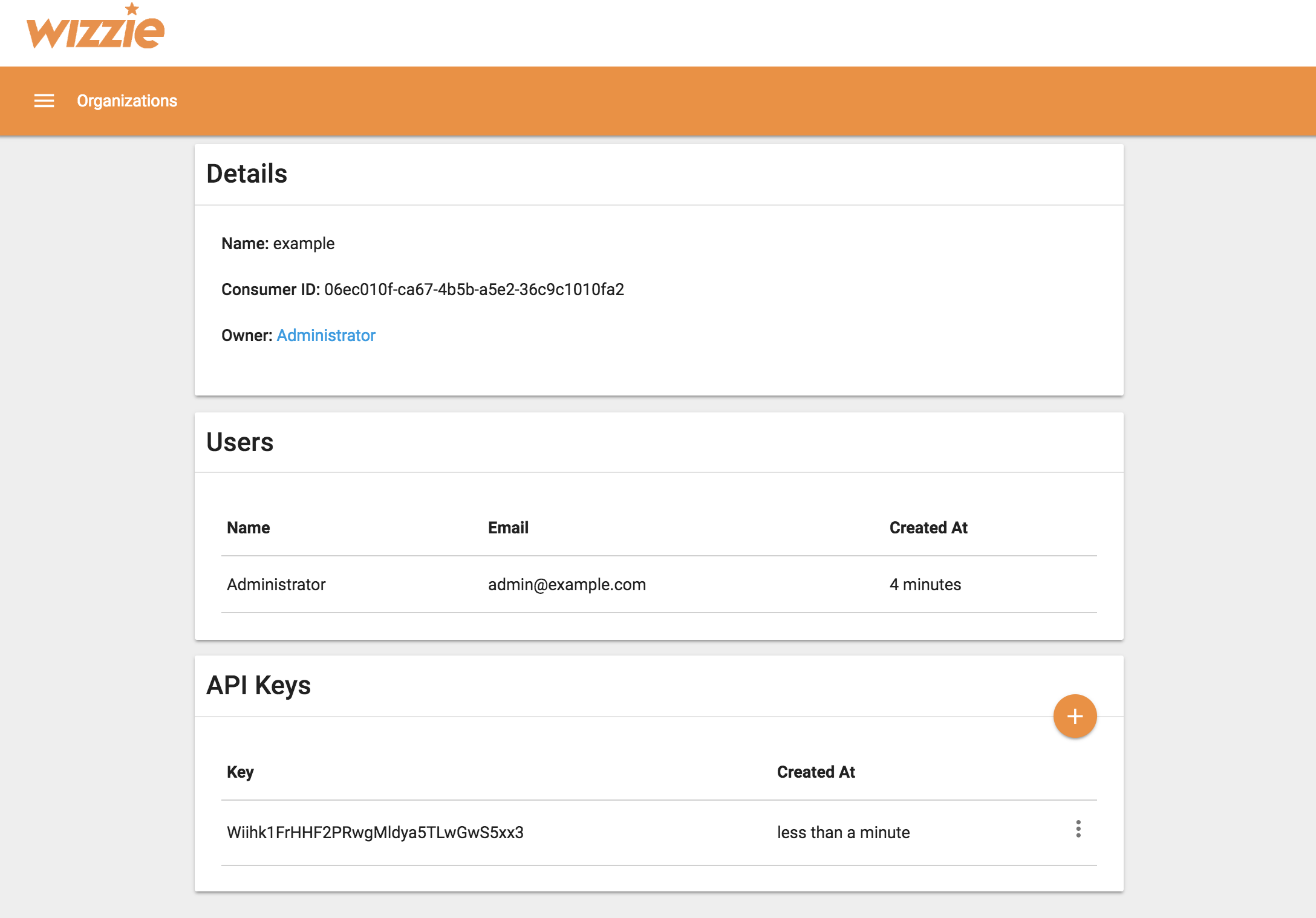
Finally, clicking on the organization name, you can see the details (For example, the API Keys).
Next steps
Go to next step to start creating topics and indexing tasks in WDP.